.svg)
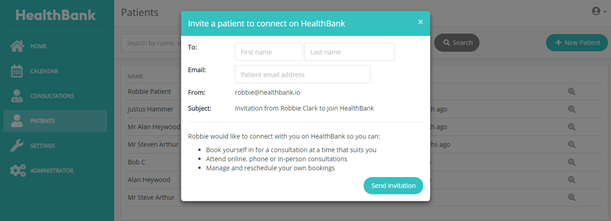
Click on the Patients tab on the left side of your dashboard.
Click on the +New Patient button in the top right corner of your dashboard. A pop up Patient Invitation will appear. Enter the patient’s First and Last name, and email address. Click the Send Invitation button. The patient will receive an email invitation to join HealthBank in which they can then create their own patient profile.