---
title: How do I change/update my email address?
description: "Change the email address on your HealthBank account: go to My Profile > Security, enter your new email and password, then confirm the change from your inbox."
image: https://help.healthbank.io/hubfs/Help%20article%20graphics/Home/help-centre-share.png
---
[Skip to content](https://help.healthbank.io/how-do-i-change/update-my-email-address#main-content)
Open main navigation
Close main navigation
Advice and answers from the HealthBank Team
- There are no suggestions because the search field is empty.
1. [HealthBank Help Centre](https://help.healthbank.io/?hsLang=en)
2. [Account & settings](https://help.healthbank.io/account-settings?hsLang=en)
October 21, 2026
# How do I change/update my email address?
## This article takes you through the steps to change your email address.
To change/update your email address on HealthBank, follow these steps:
1. Click on your **PROFILE icon** in the top left
2. Click **My Profile**
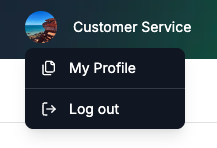
3. Click **Security
**
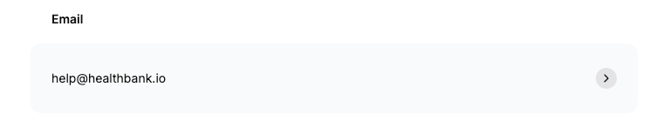
4. Click on your current email address
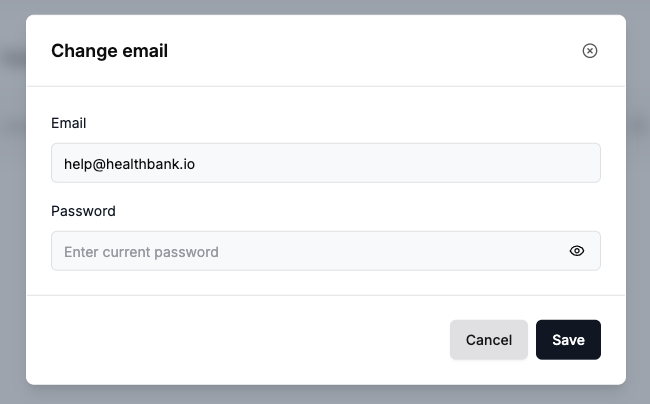
5. Update your email address and enter your current password and click **Save**
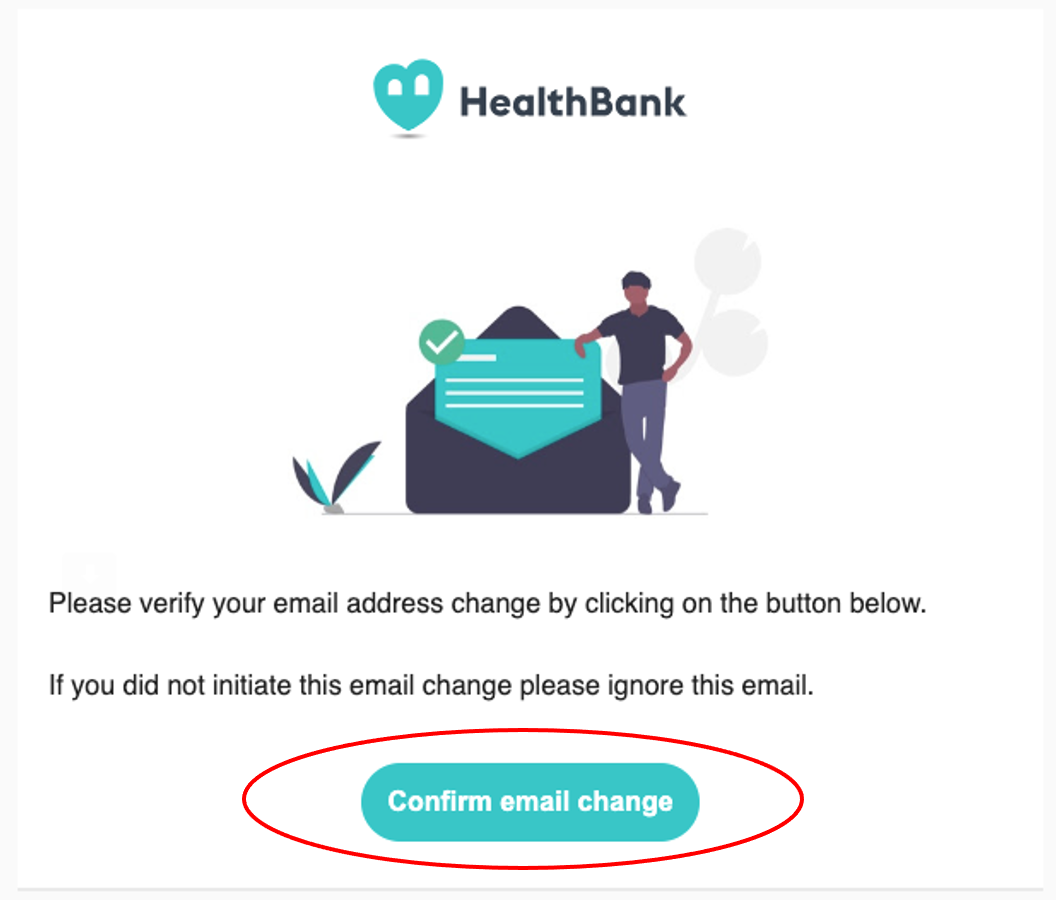
6. You will then receive a confirmation email to your new email address. Click on the **CONFIRM EMAIL CHANGE** button in the email.
Need more help? [Submit a request](https://help.healthbank.io/?enquiry=feedback&hsLang=en) and our support team will get back to you.
[Go to Security settings in HealthBank →](https://dashboard.healthbank.io/app/settings?tab=security)
[](https://www.dashboard.healthbank.io)
HealthBank
85 William Street,
Sydney
[mailto:support@healthbank.io](mailto:support@healthbank.io)
Copyright © 2026, HealthBank Technologie Pty Ltd