---
title: How do I add, edit or remove my credit card details?
description: Add, change or remove the credit card saved to your HealthBank account, using the web portal or the mobile app.
image: https://help.healthbank.io/hubfs/Help%20article%20graphics/Home/help-centre-share.png
---
[Skip to content](https://help.healthbank.io/how-do-i-add-my-credit-card-details-for-payment#main-content)
Open main navigation
Close main navigation
Advice and answers from the HealthBank Team
- There are no suggestions because the search field is empty.
1. [HealthBank Help Centre](https://help.healthbank.io/?hsLang=en)
2. [Payments & payouts](https://help.healthbank.io/payments-payouts?hsLang=en)
October 15, 2026
# How do I add, edit or remove my credit card details?
## Adding or removing your credit card details to pay for your appointments and product orders
Below are the steps to securely add your credit card details using either the web portal or the mobile app.
### **Web portal**
1. Log in to your HealthBank account at:
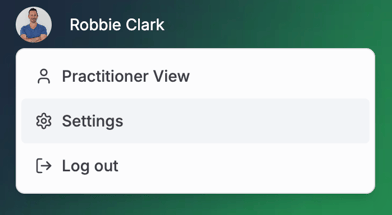
2. Click Your **Profile picture/icon** in the top left corner
3. Click **Settings
**
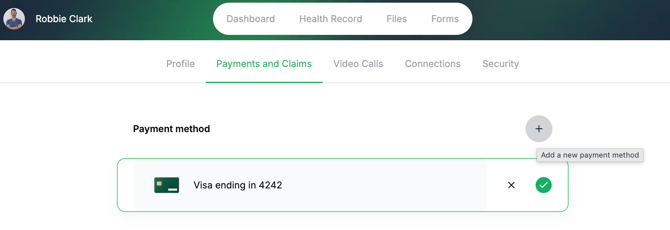
4. Click **Payments & Claims**
5. Click the **"+"** symbol to add your card
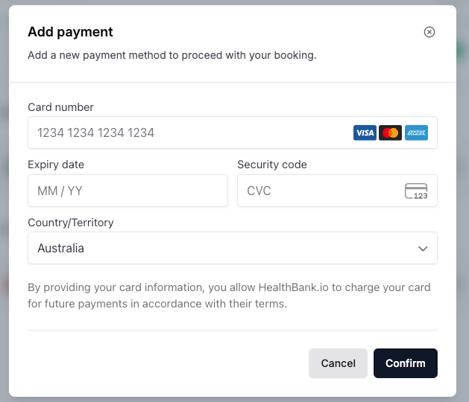
6. Add your card details
7. Click **Confirm
**
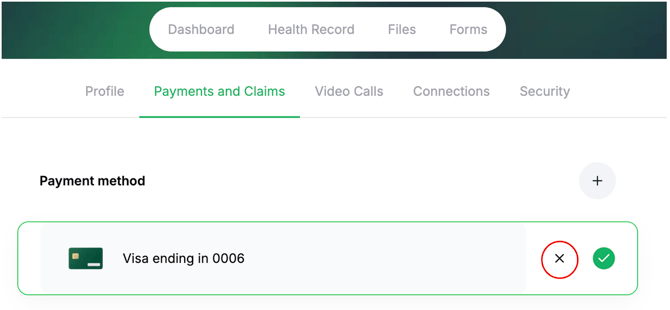
8. If you wish to remove/delete your card, click on the **X** symbol
### **Mobile app**
1. Log in to the HealthBank mobile app.
2. Tap your **profile picture** in the bottom right corner.
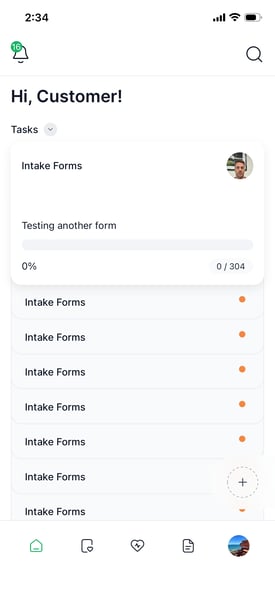
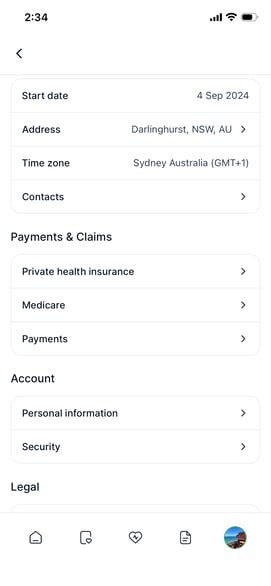
3. Under **Payment & Claims,** tap **Payments**.
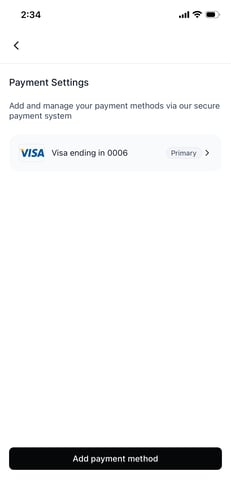
4. Tap **Add payment method** .
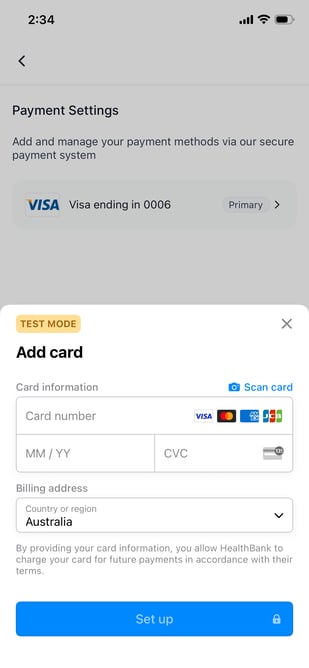
5. Enter your preferred card details and tap **Set up** to save your payment method.
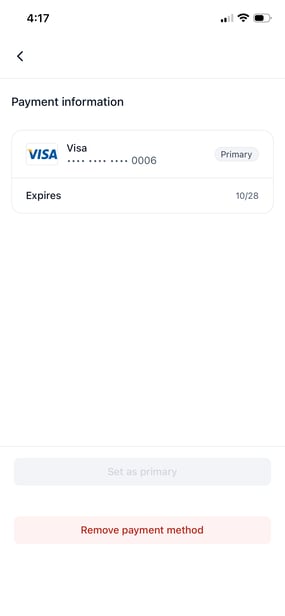
6. If you wish to remove/delete your card, click **Remove payment method
**
[Open HealthBank →](https://dashboard.healthbank.io/app/dashboard)
[](https://www.dashboard.healthbank.io)
HealthBank
85 William Street,
Sydney
[mailto:help@healthbank.io](mailto:help@healthbank.io)
Copyright © 2026, HealthBank Technologie Pty Ltd